Our Projects
There's more to our team than gaming names. We also build tools for creative projects, and a collection of digital planners you can make your own.
Here's what each site does, where it might fit into your day, and a practical idea to try first.
Pixel art & bead craft
Pixel Bead Studio
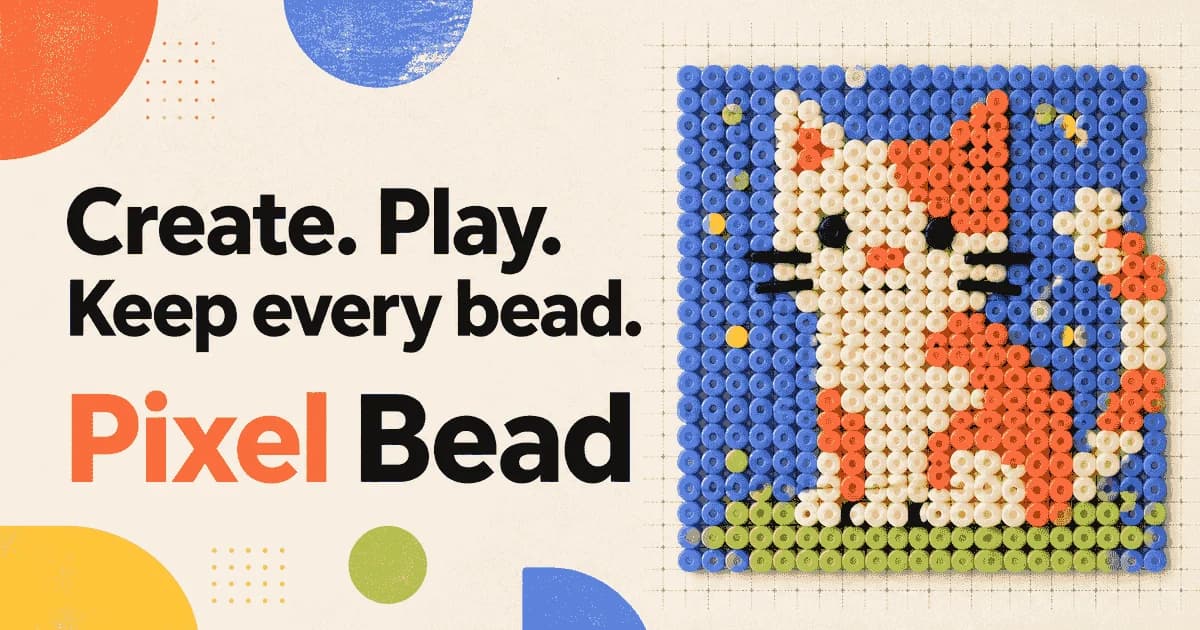
Turn a picture into a pattern you can actually make.
An idea to try
Make a bead version of your own pixel avatar. Start with a small grid, simplify any details that disappear at that size, and check the color quantities before sorting your beads.
Pixel Bead Studio helps you take a picture off the screen and turn it into fuse bead art. Upload an image or draw on a blank grid, then work with the colors of your chosen bead brand, including Perler, Hama, Artkal, MARD, and COCO. You can adjust individual cells and restrict the palette to colors you already own, so the design reflects the materials on your craft table.
The useful decisions happen before you start placing beads. A smaller grid keeps a project manageable; more detail means more beads to sort and place. The editor keeps the pattern editable alongside its color codes and material counts. Once the size and palette feel right, download a PNG or PDF guide to follow at the pegboard, or save the project and come back to refine it.
AI & 3D creation
World Models Watch
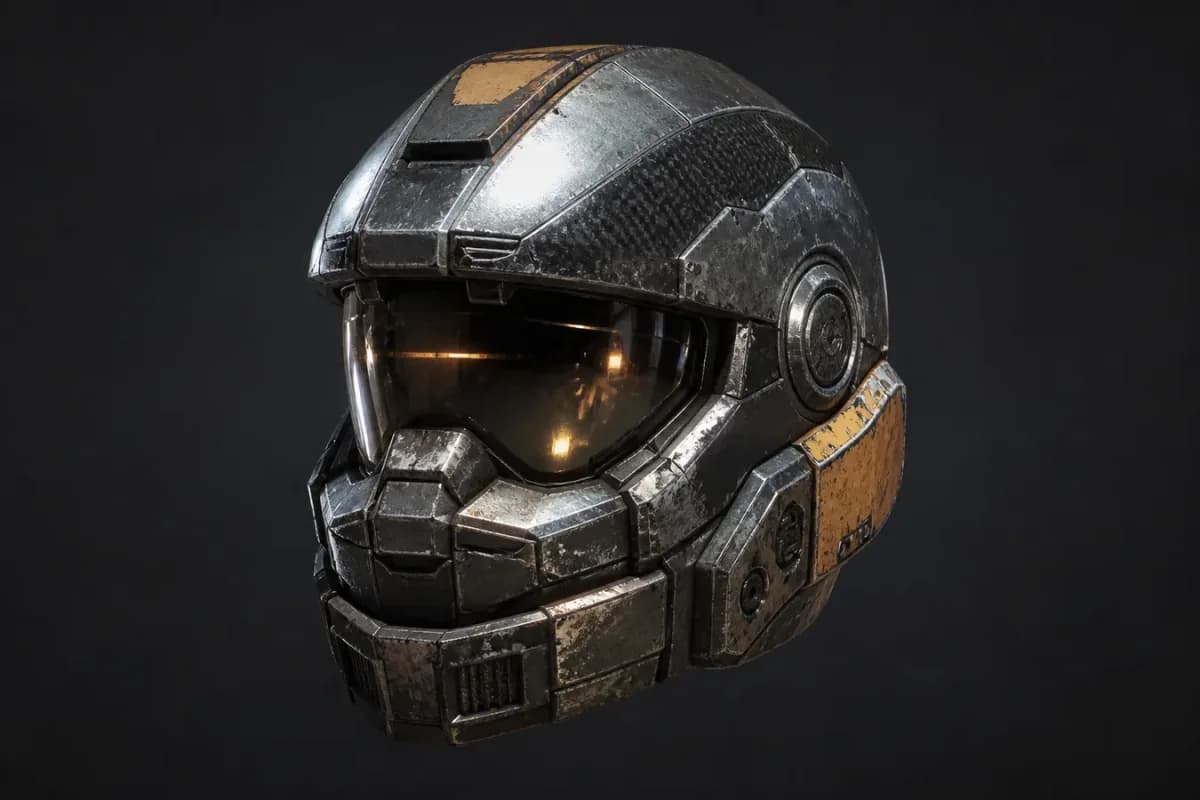
Give an image depth, as an object or a place.
An idea to try
Explore a prop concept from your own reference image, inspect the generated object, then test its scale and materials in your game project before building a larger asset set.
World Models Watch has two ways to work from a visual reference. Choose 3D Model when you want a downloadable object, such as a prop or product concept. Choose 3D World when the subject is a room, street, or landscape you want to explore. The site brings several generation engines into one workspace, with input options and downloadable formats that depend on the engine you select.
For game creators, that makes it a place to try an asset idea or test the feel of an environment. A clear object silhouette suits the model workflow; a wider image with visible depth gives the world workflow more spatial context. The accompanying guides cover file formats and the checks needed when taking a result into a game engine, including scale, materials, and performance.
Photo design & fan creativity
Photocard.ai
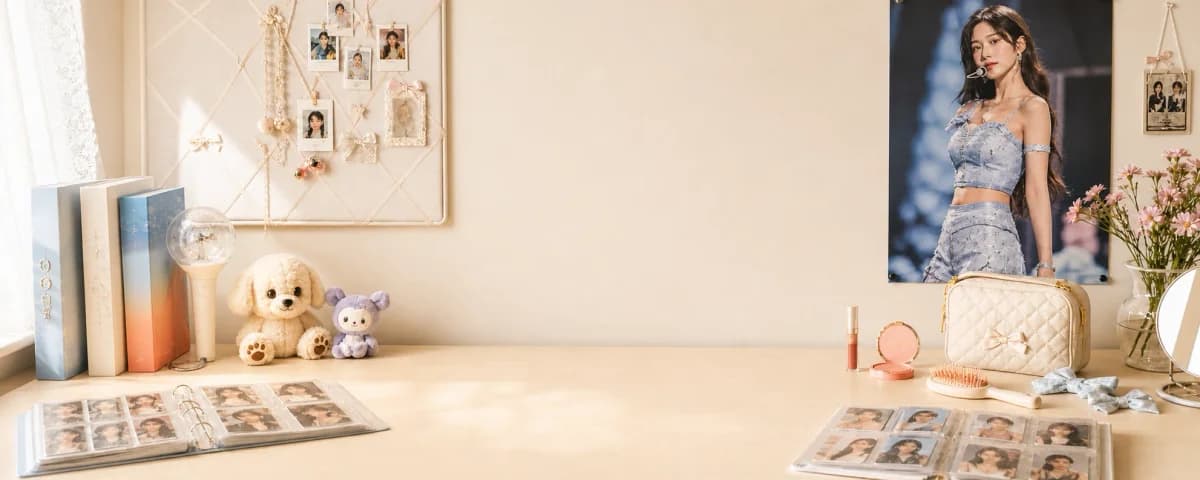
Make a personal photocard from a photo you love.
An idea to try
Turn a favorite photo of you and a friend into a birthday keepsake. Choose a layout that suits the photo, check the preview, and print a test copy before making the final card.
Photocard.ai is for people who enjoy the design of K-pop photocards and want to make something personal. Start with your own photo, then choose an album concept, a birthday layout, or a photobooth or vintage treatment. The standard maker arranges your photos in a template, while a separate AI generator lets you try a different visual treatment. Both workflows give you a preview to review before choosing the finished output.
The details matter when a card is going into a sleeve or becoming a gift. Photocard.ai lets you choose the output dimensions before generation, including a standard card size and a version with extra space for trimming. Its guides explain sizing and printing, so you can move from a design you like on screen to a carefully checked paper copy.
Digital planning & journaling
Planner
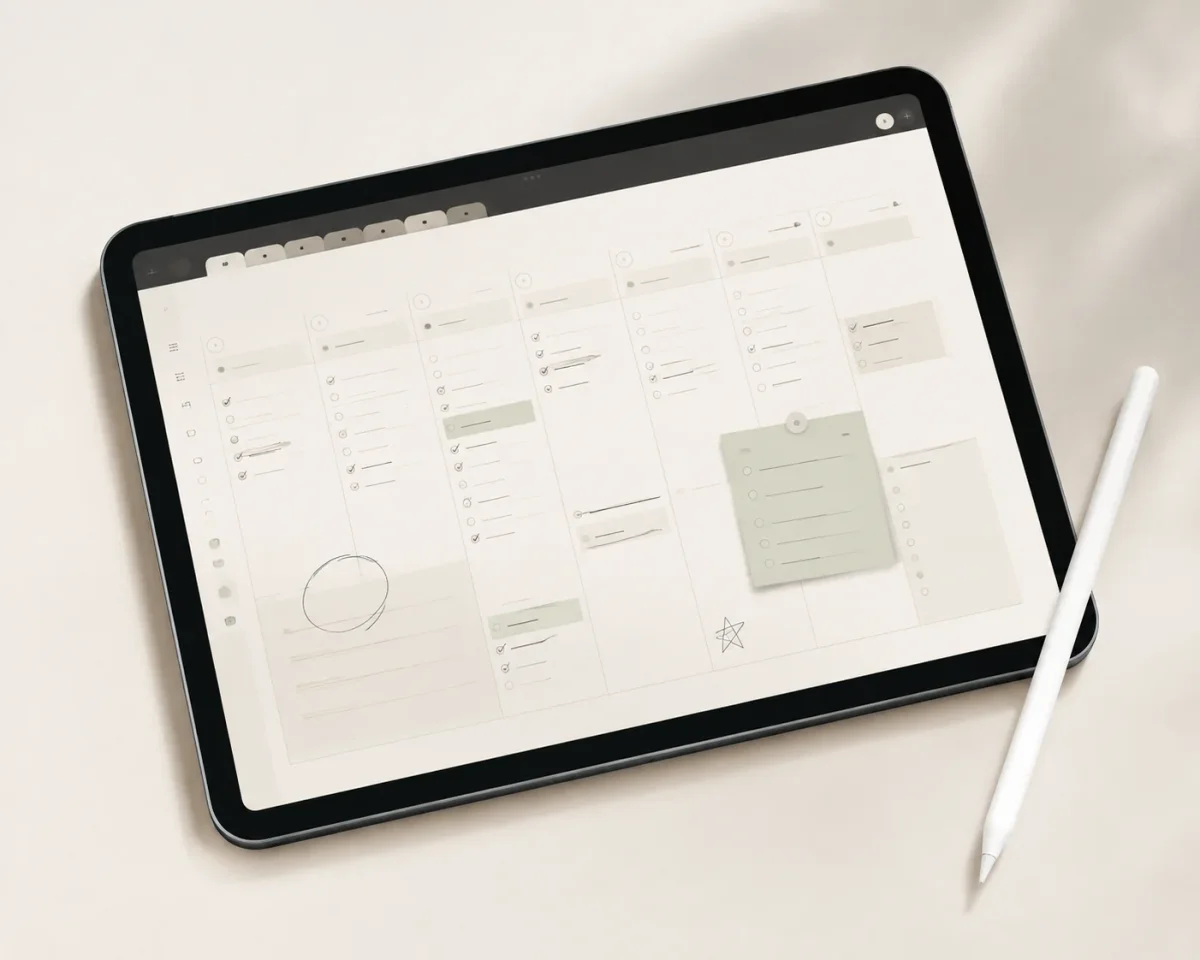
Build a planner around the way you use your days.
An idea to try
Set up a study notebook with a planner you already use. Add an insert for extra notes and use a few study stickers to mark deadlines or revision sessions.
Planner makes downloadable materials for people who like to write, plan, and collect ideas in a notebook app. The collection includes complete digital planners, PDF inserts for a notebook you already use, and transparent PNG stickers. You import the files into a compatible app such as Goodnotes or Notability, then add your own notes and arrange the pages as your routine takes shape.
You can choose how much structure to bring in. A complete planner gives you linked pages to move through; an insert adds space for a specific task without replacing your existing setup. Stickers can mark study sessions or appointments, or simply make a page feel more personal. Tutorials explain importing and customization, and each product page lists the files and compatibility details to check before downloading.